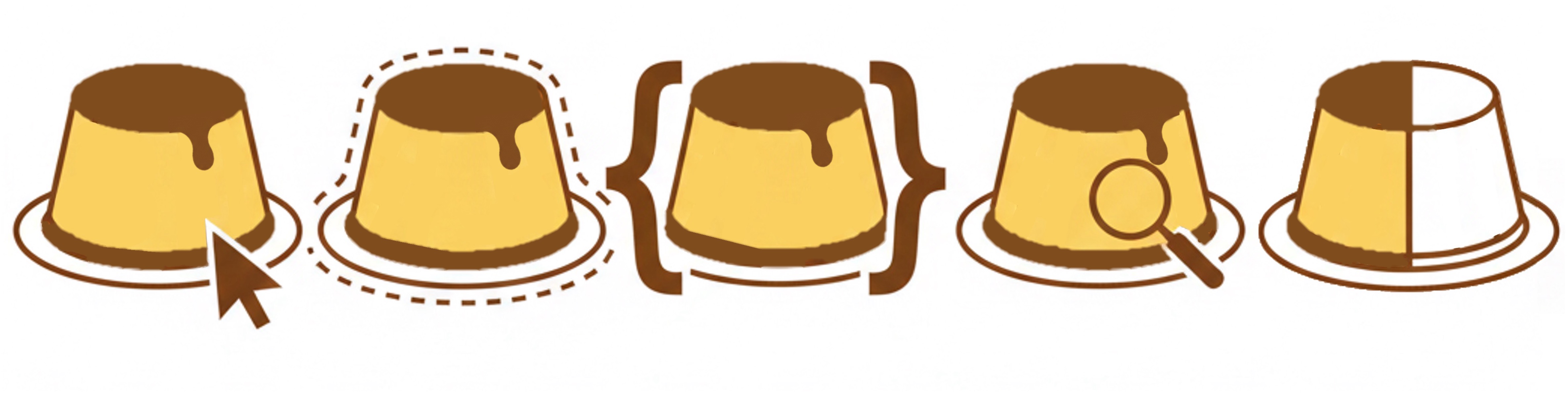
Generate websites. Personalized for any reader. Optimized for interacting with any kind of text-based websites e.g., eLearning websites, online instruction manuals, project documentation etc.
CustardUI (formerly named CustomViews) adds dynamic, memory-persistent interactivity to static websites — no backend required. Built for educational sites, documentation portals, and course textbooks.
The problem it solves
One site. Many readers. Zero compromise.
Text-heavy educational websites serve students, instructors, and whole organizations — all with different needs. CustardUI lets a single static site adapt to each of them, without duplicate pages or complex servers.
Memory-Persistent Tabs
Tab selections sync across the entire site and are remembered across visits. A student who prefers the CLI view never has to switch back.
Content Toggles
Show, hide, or "peek" sections based on reader preferences. Perfect for optional deep-dives, platform-specific steps, or progressive disclosure.
Dynamic Placeholders
Personalize text with reader-defined values — greet students by name, pre-fill their team ID, or adapt instructions to their context.
Focus & Share
Highlight and link directly to any content block on the page. TAs can share a URL that lands readers on exactly the right paragraph.
Focus & Share
Answer questions with a link.
Did you notice the Share this tip link in Step 3 above? That's Focus & Share in action. Any element on the page, with or without an id, can become a shareable, highlighted anchor. No more "scroll down and find the paragraph about tempering eggs." You can even share this text paragraph here!
How it works for TAs and instructors: When a student asks a forum question, instead of typing out an explanation, a TA can share a URL like:
https://your-course-site.com/textbook?cv-highlight=the-element-id
The page loads with that section visually highlighted — drawing the student's eye straight to the answer.
Adaptations
One resource. Every audience.
Adaptations go beyond themes. They let different organizations share the same underlying content while each seeing a version tailored to them — logos, links, terminology, and all. No backend. No duplicate repositories.
Consider a Git mastery guide used by multiple courses:
This is how git-mastery.org will use CustardUI — a single site serving multiple audiences with zero backend infrastructure.
Getting started
Up and running in minutes.
CustardUI works with any static site. There's no build step, no npm install, and no server to manage.
<!-- Step 1: Add to your <head> or base layout -->
<script src="https://cdn.jsdelivr.net/npm/@custardui/custardui" data-base-url="/"></script>
// Step 2: config.json — define your toggles and tabs
{
"config": {
"toggles": [
{
"toggleId": "nutrition",
"label": "Nutrition",
"isLocal": true,
"default": "peek"
},
...
],
"tabgroups": [
{
"groupId": "units",
"tabs": [
{ "tabId": "metric", "label": "Metric" },
{ "tabId": "imperial", "label": "Imperial" }
],
...
}
],
"placeholders": [
{
"name": "username",
"defaultValue": "Guest",
...
}
]
},
...
}
See it in action
A taste of CustardUI
This demo page is itself a CustardUI-powered site. The recipe below uses live tabs, toggles, and placeholders — exactly as your readers would experience them.
Before you continue, you can update your username here:
Hello, [[username]]! Welcome to your personalized recipe card. (Your name is set via the CustardUI settings panel — try it!)
Ingredients
Select your preferred units — this preference will be remembered across the whole site. Double-click a tab to "pin" your preference, or set it via the settings panel.
Caramel Sauce
- Granulated sugar70 g
- Water, room temp1 Tbsp
- Hot water1 Tbsp
- Granulated sugar5 Tbsp
- Water, room temp1 Tbsp
- Hot water1 Tbsp
Custard
- Whole milk400 ml
- Heavy whipping cream100 ml
- Pure vanilla extract½ tsp
- Large eggs3
- Sugar70 g
- Whole milk1⅔ cups
- Heavy whipping cream6 Tbsp + 2 tsp
- Pure vanilla extract½ tsp
- Large eggs3
- Sugar5 Tbsp
Cooking Instructions
Step 1. Whisk the egg yolks and sugar together until pale and slightly thickened.
Step 2. Heat the milk and cream in a saucepan over medium heat until just steaming — do not boil.
Step 3. Slowly pour the hot milk into the egg mixture, whisking constantly to temper the eggs.
Tip — Why tempering matters: Adding hot liquid to eggs too quickly will scramble them. Pour in a thin, steady stream while whisking vigorously. This is the most important step for a silky custard. Share this tip
Step 4. Return the mixture to the saucepan. Stir over low heat until thickened, about 8–10 minutes.
Step 5. Pour into ramekins and chill for at least 2 hours.
✨ Optional Finishing Touches
Try these out if you'd like to go the extra mile:
Vanilla Bean Upgrade
Swap vanilla extract for a split vanilla pod steeped in the warm milk. Remove before tempering. The flavour difference is remarkable.
Crème Brûlée Finish
Once chilled, sprinkle 1 tsp of caster sugar over each ramekin and torch until caramelised. Crack through that golden crust for a satisfying moment.
Nutrition per serving
- Calories268 kcal
- Carbohydrates32 g
- Protein7 g
- Fat13 g
- Saturated Fat7 g
- Polyunsaturated Fat1 g
- Monounsaturated Fat3 g
- Trans Fat0.01 g
- Cholesterol144 mg
- Sodium79 mg
- Potassium181 mg
- Sugar33 g
- Vitamin A585 IU
- Vitamin C0.1 mg
- Calcium129 mg
- Iron1 mg
Make your site work for every reader.
CustardUI is open source, free to use, and designed to slot into your existing workflow with minimal effort.